
No federal program gives out free tablets, iPads, or laptops just for having an EBT card or Medicaid. What SNAP and Medicaid do is qualify you automatically for programs that can lead to a free or low-cost device: Lifeline phone carriers, nonprofit refurbishers, libraries, schools, and some health plans. The Affordable Connectivity Program (ACP), which funded most "free tablet" offers, ended on June 1, 2024.
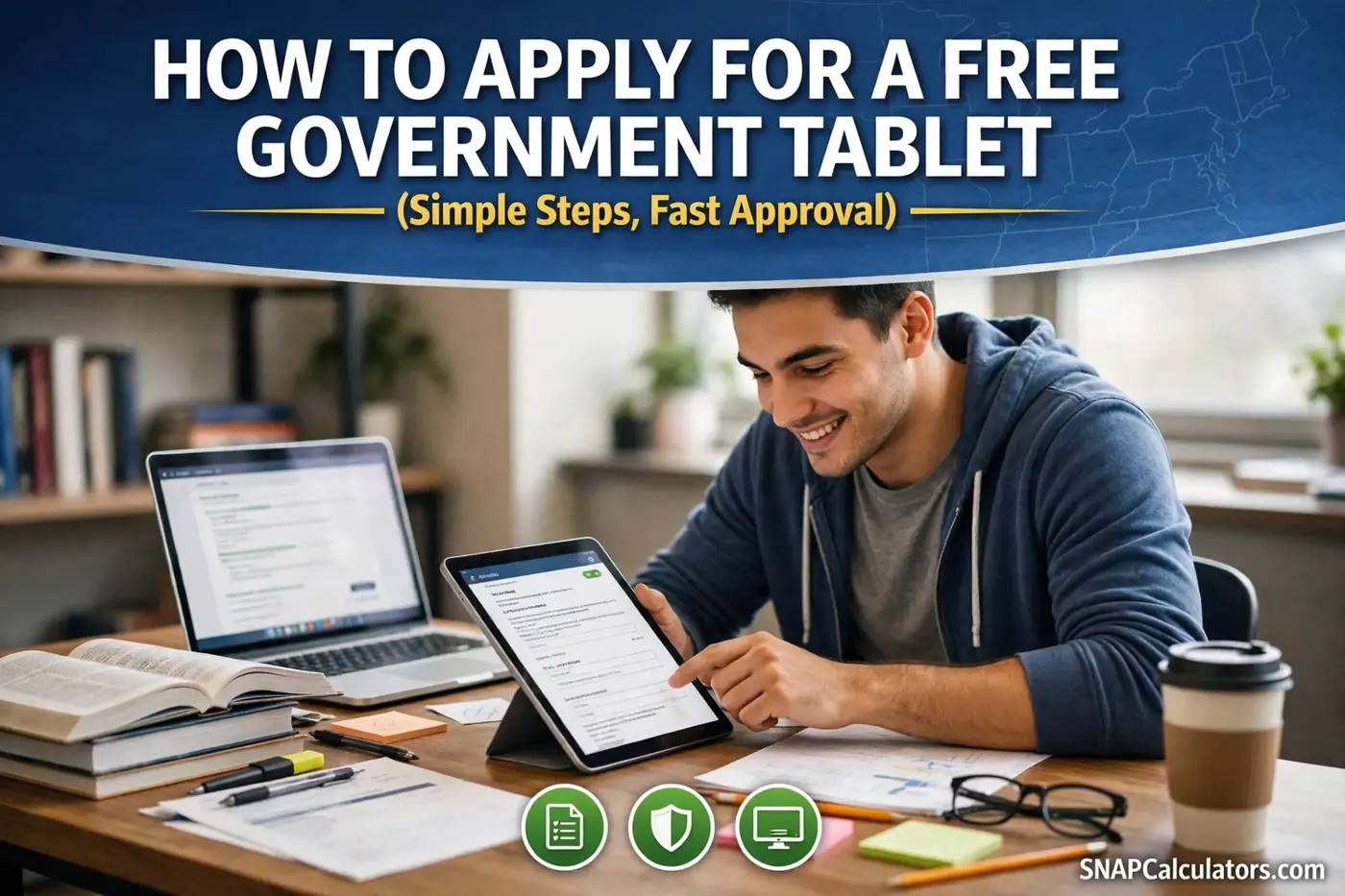
Step by step: how to apply for a free government tablet
There is no single "free government tablet" application. In practice you apply for Lifeline, the FCC phone and internet discount, and then choose a participating carrier that offers a tablet with service. The steps below take most people under an hour once they have their documents.
Confirm your eligibility
Have your SNAP approval letter, Medicaid card, or benefit notice ready. Use our Lifeline eligibility checker, or if you are not enrolled in SNAP yet, check the SNAP eligibility calculator first.
Apply for Lifeline through the National Verifier
Apply at LifelineSupport.org or through a carrier. The National Verifier checks your SNAP or Medicaid enrollment automatically in most states.
Compare Lifeline carriers in your ZIP code
Look at monthly data, talk, and text, and whether a phone or discounted tablet is included. Read the copay and return terms.
Look beyond Lifeline
Check nonprofit refurbishers, your public library, your school district, and your health plan.
Recertify every year
Lifeline requires annual recertification. Watch for letters and texts so you do not lose service.
Documents to have ready
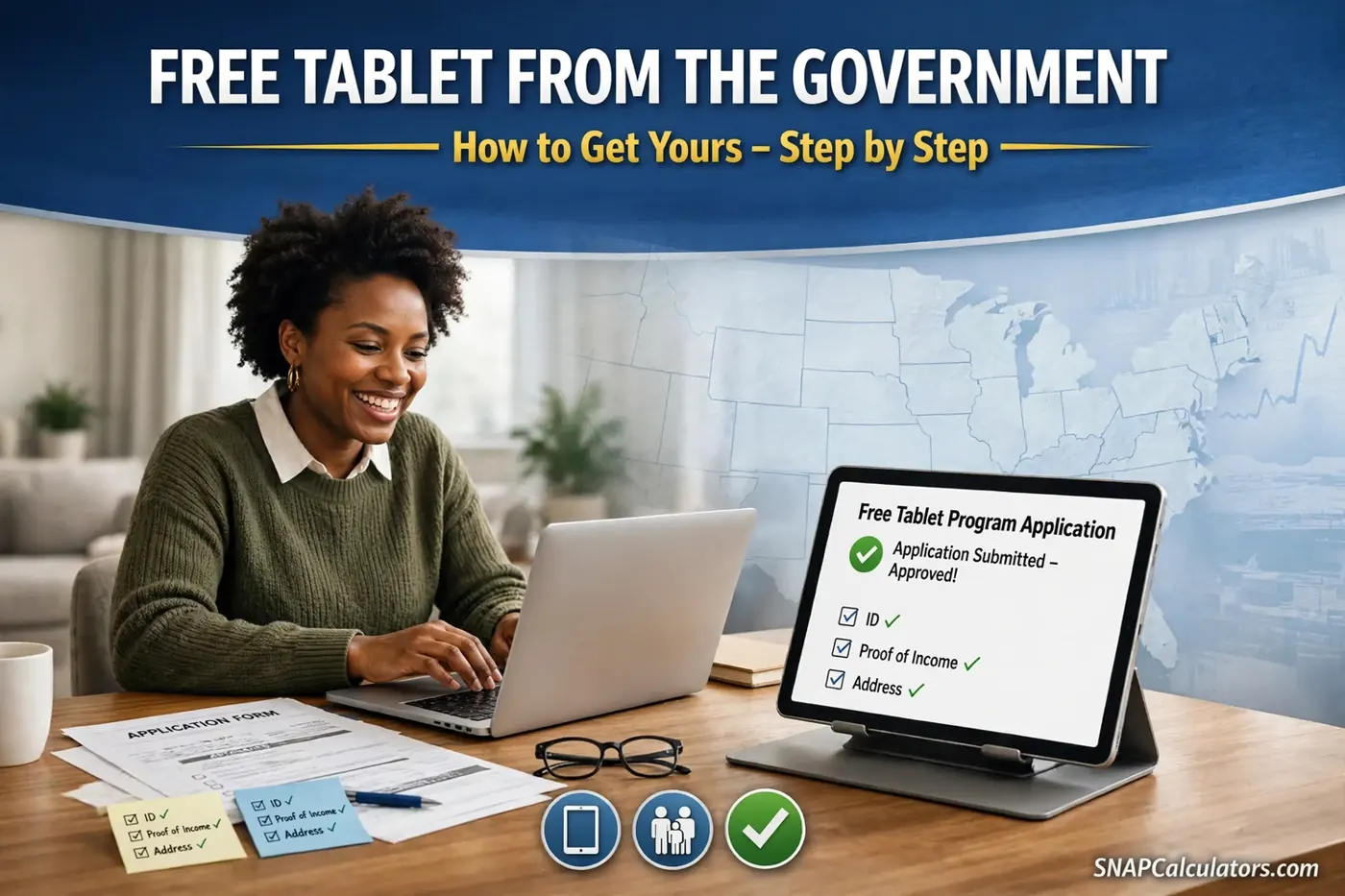
Identity
- Driver's license, state ID, passport, or other government ID
- Social Security number (last 4 digits) or Tribal ID
- Proof of address if your ID shows an old address
Eligibility
- SNAP, Medicaid, or SSI approval letter or recent notice
- Or proof of income: last tax return or 3 months of pay stubs
- Household worksheet if another Lifeline customer lives at your address
How long it takes
When the National Verifier can match your SNAP or Medicaid enrollment in a state database, approval can happen within minutes. If you must upload documents, review usually takes several days. After approval, carriers typically ship a SIM card or phone within a week, and a tablet, if offered, may ship separately after you pay any copay.
If your application is denied
- Identity not verified: upload a clear photo of your ID and Social Security card.
- Duplicate address: complete the household worksheet to show you are a separate household.
- Program not confirmed: upload your current SNAP or Medicaid letter dated within the last 12 months.
- Already enrolled: you can transfer your benefit to another carrier instead of applying again.
Avoid free tablet scams
Never share your EBT PIN, never pay fees with gift cards, and ignore any offer still promising an "ACP tablet". Real Lifeline carriers are listed on LifelineSupport.org. See our full guide to spotting free tablet and iPad scams.
Not sure you qualify? Read who qualifies for a free tablet or use the Lifeline eligibility checker. Families should also see free tablets for low-income families.
Frequently asked questions
Where do I apply for a free government tablet?
Apply for Lifeline at LifelineSupport.org or through a Lifeline carrier, then choose a carrier that offers a tablet with service.
How long does approval take?
Often minutes when your SNAP or Medicaid enrollment is matched automatically, or several days if documents must be reviewed.
What if another person at my address already has Lifeline?
Complete the household worksheet to show you are a separate household that does not share income and expenses.